
iOS 26.6: New Features Release Timeline and Everything Apple Users Should Know

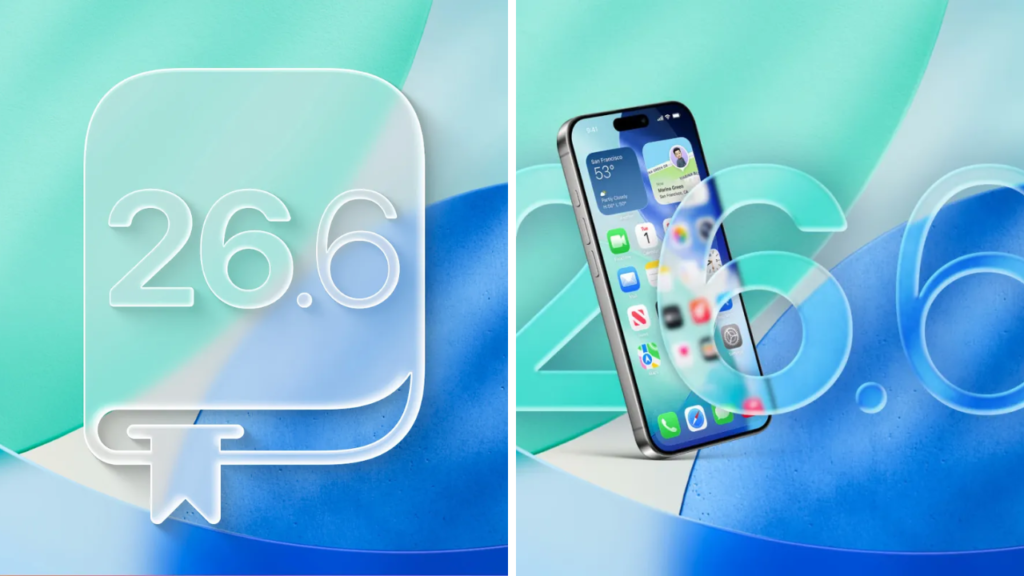
iOS 26.6 update is likely to be a bug fix, security, performance and smaller feature refinement update than a major redesign. Apple usually releases mid-cycle iOS updates to fix issues that have come up since the last releases, and to improve the experience on supported iPhone models.
 Apple iPhone 18 Pro Max Price Could Reach a New High as Buyers May Need to Save More Than Ever
Apple has yet to confirm the full list of features or the final release date of iOS 26.6. Features in beta versions may be changed, removed or delayed before the public update is available.

iOS Release Date 26.6
Apple usually releases iOS updates first to developers and public beta users, then makes it available to everyone else who is eligible. During the testing phase, developers and early adopters have the opportunity to discover software bugs, battery problems, app compatibility problems and performance changes that may not have been expected.

If history is any indication, Apple will roll out a number of beta versions of iOS 26.6 before the final version is released. That final launch will probably come once Apple feels the software is reliable enough for daily use.
 Amazon Web Services Outage Disrupts Popular Websites and Online Services Across Multiple Regions
Security concerns, serious software bugs or new Apple services can also affect release timing. Sometimes Apple changes its schedule to make urgent fixes.
Expected New Features of iOS 26.6
Also expect minor improvements to system apps and services with iOS 26.6. It could be changes to Messages, Safari, Apple Music, Photos, Wallet, Maps and system preferences.
Apple may also adjust recently launched features based on user feedback. This could mean improved controls, more customisation, improved notifications and changes to how some privacy or artificial intelligence tools function.
But don’t expect to see all the beta features in the final product. Apple is known for testing features behind the scenes before it determines they are ready for the public eye.
Security fixes could make up a big part of the update
Perhaps the most important reason to install iOS 26.6 is security. Apple regularly fixes security flaws in Safari, WebKit, Bluetooth, Wi-Fi, messaging and other parts of the operating system.
Some security fixes may fix previously unknown or undisclosed vulnerabilities as well. That’s why users are typically encouraged to install stable iOS updates only after confirming that their must-have apps are compatible.
Apple typically releases detailed security content after an update is rolled out. The documents explain which parts of the system were affected, but they may not necessarily include information that would help attackers.
Improvements in battery life and performance
Battery life is always a major concern after major iOS updates. According to reports, the iOS 26.6 includes background optimisations that reduce power consumption, prevent overheating and increase performance while in standby.
Older iPhones could also receive memory management improvements, smoother animations. Battery life varies depending on device age, battery health, apps, mobile network strength and individual settings.
It’s also common to see a spike in battery usage shortly after you’ve installed an update as your iPhone might be reindexing files, updating apps and finishing off background system tasks.
iOS 26.6 iOS 26.6 Which iPhones are getting iOS 26.6
The update is expected to be compatible with the same iPhone models as the main release of iOS 26. “Apple doesn’t usually kill device support in a small point update.
But some features may still be limited to newer iPhones, because they require the latest processors, specific camera hardware or on-device artificial intelligence.
When the public rollout commences users can check for availability via Settings > General > Software Update.
What Users Should Do Before an Upgrade:
Before you install iOS 26.6, it’s recommended to backup your iPhone to iCloud or computer. Additionally, the device should have free storage, a stable Wi-Fi connection and enough battery power.
Specialist banking, work, medical or accessibility apps are available for those prepared to wait a short time for compatibility reports. Do not install beta versions on a primary iPhone unless you understand the risk of bug, crash, and loss of data.
Sources
- Apple Newsroom – Official iOS announcements and releases from Apple Newsroom.
- Apple Developer – Beta Software, Release Notes, Developer Documentation.
- Apple Support – How to update, compatibility and troubleshooting.
- MacRumors – What to expect in iOS betas and forthcoming software changes
- 9to5Mac – Apple software news, features and how-tos
