
iOS 26.5 Update Could Change iPhones in a Big Way

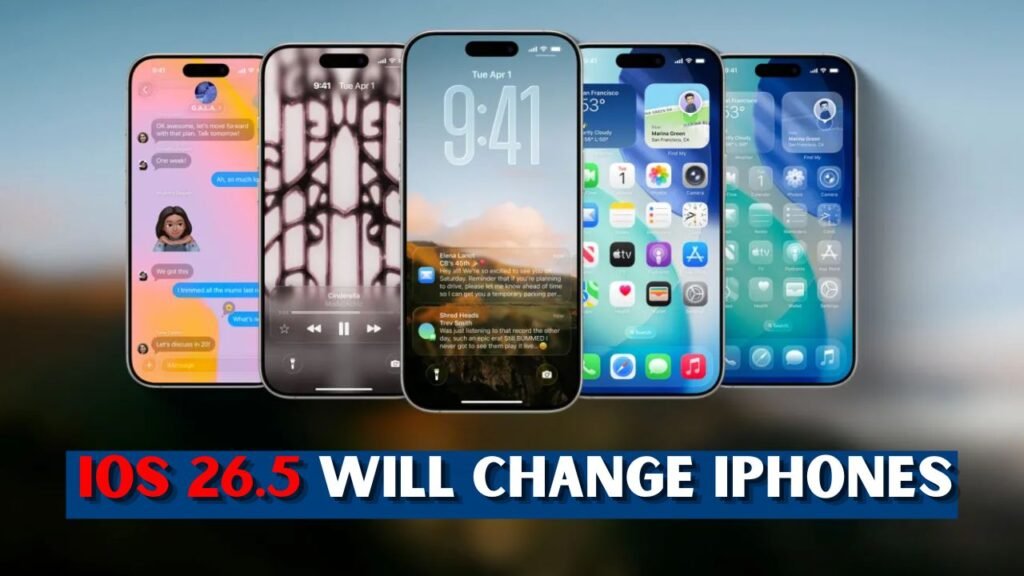
iOS 26.5 may look like a small update but it could change your everyday iPhone usage drastically, as it is centred around communication, safety, Maps, design and device control. May 11, 2026: Apple shipped iOS 26.5, introducing beta end-to-end encrypted RCS messages, new Pride Luminance wallpaper, Suggested Places in Maps, bug fixes, and security updates. For regular users, the biggest point is improved texting between iPhone and Android users, as supported RCS chats can be more private. Maps may also feel more active with nearby ideas and suggestions based on recent searches It’s not the massive Siri overhaul many expected, but it does improve key parts of the iPhone experience. We recommend users backup their iPhone before installing and make sure they have enough
 WhatsApp Responds to Centre Over Username Feature Proposal With New Platform Update Details
What Makes iOS 26.5 Important for iPhone Users?
The best thing about iOS 26.5 isn’t a bunch of shiny new tools, it’s about making the stuff we all use everyday better. Apple’s update for iPhone will include improved messaging privacy, more helpful Maps suggestions, new Pride wallpaper, and a host of security patches. This is important because most users don’t go into advanced settings but they do text, search for places, flip between apps and expect their phones to remain secure. Apple is also working on a broader iOS 26 design, including the Liquid Glass appearance and cleaner system behaviour. It won’t feel like a dramatic change on day one, but the update can make the iPhone feel safer, smarter and more personal in normal daily use for lots of everyday users around the world today, over time.

- This makes the iPhone better for daily use.
- It adds to the privacy of the messages.
- Suggestions for the map are welcome.
- It also adds a new wallpaper choice.
Bigger Messaging Privacy with Encrypted RCS
The biggest change is beta end-to-end encrypted RCS in Messages, as it improves chats between iPhone and Android users on supported carriers. RCS was before and a lot of cross platform chat was better than the old SMS but privacy was still a big concern. Encryption support helps secure messages in transit between devices so everyday conversations with family, work and friends are protected. It also suggests Apple is broadening its reach to cross-phone communication, beyond iMessage-to-iMessage chats. The feature is slowly rolling out, so not everyone will see it immediately. But this is a major step in making everyday texting feel more secure and less divided for people who use different phones daily across groups and countries anywhere.”

- RCS chats could be more private.
- It is easier to talk to iPhone and Android users.
- This feature is still in beta.
- We need to get the carriers involved.
- It could be launched gradually to users.
Maps, Wallpapers, and Everyday UI Changes
iOS 26.5 changes the iPhone experience beyond Messages. Apple Maps’ Suggested Places can display suggestions based on what’s popular nearby and what people have recently searched for, so Maps can be more useful before someone types a full query. Or, if you want something a little more personal, the Pride Luminance wallpaper is a colourful and dynamic design. These are not just cosmetic changes, these are Apple trying to make the iPhone more alive, more local and more expressive. Some users might want suggestions, some might want promoted results in Maps. The best is to try the update, change the privacy settings and delete what you don’t need on your own device after using it carefully today.

- Use maps to find places near you.
- Recommendations may be based on recent searches and trends.
- Pride wallpaper brings a new visual style.
- The iPhone might feel more personal
- See privacy options.
Security, Compatibility, and Smart Update Steps
Security is another big reason to install iOS 26.5 and Apple listed a lot of fixes for iPhone and iPad users. The patches cover areas such as accounts, apps, system components and privacy controls. iPhone 11 and newer devices are eligible for the update, which works with many older but still popular devices. Phones with old software are popular targets for attackers, so users should not treat security updates as optional decorations. It’s also a good idea to prepare for an update in advance. You can avoid failed installs by having a backup, plenty of storage, strong Wi-Fi and a good battery level. Users should check Messages, Maps, battery and app performance for a few days after updating before judging stability and speed properly later on.
- Back up your iPhone.
- Charge your iPhone to above 50%.
- Connect to a secure Wi-Fi.
- Go to Settings > General > Software Update.
- Update the app and check on important apps.
Final Thoughts
iOS 26.5 isn’t a loud update, but it can still make the iPhone feel a bit more useful. The biggest wins are encrypted RCS messaging, smarter Maps suggestions, new wallpaper options and important security fixes. If you were hoping for a massive Siri upgrade, you might be disappointed, but if you care about privacy, safety and day-to-day smoothness, you should take this seriously. Install it with a backup and a lot of battery. Then observe the behaviour of Messages, Maps, apps and battery. This update is practical and worth installing for many users right now safely today.
