
Windows 10 Security Updates Extended for Millions of Eligible Users

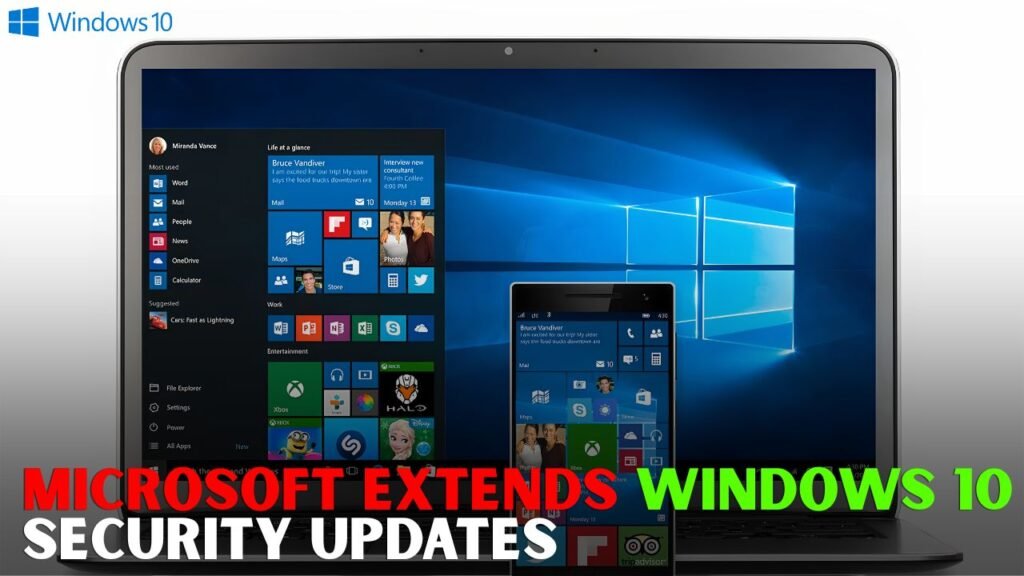
Windows 10 Security Updates Extended : For millions of users still using the operating system on a daily basis, Windows 10 security upgrades have become a huge headache. As of October 14, 2025, Windows 10 has reached the end of mainstream support, meaning the end of regular feature updates, technical help and free security fixes as part of the regular maintenance cycle. But the business has opened a channel for eligible consumers to keep their PCs safe longer under the Extended Security Updates initiative. That move gives households, students, freelancers and small offices more time to decide whether to upgrade to Windows 11, replace outdated technology or continue using Windows 10 in a safer way.

Extended Security Updates programme
If you need a little more time to migrate from Windows 10, there is an Extended Security Updates programme, or ESU. It does not add features, design updates or general technical support. Instead, it emphasises critical and important security updates to help mitigate the risk of malware, ransomware and other cyber threats. Microsoft allows eligible consumer devices to enrol through Windows Update. Once enrolled, a PC will be kept protected until the scheme ends.

Windows 10 ESU Prerequirements
Automatic enrolling is not available on all Windows 10 devices. Microsoft has set out clear rules for consumer users. The device should be running the latest major version of Windows 10 i.e. 22H2. It also requires the latest Windows updates to be installed prior to enrolling.

The eligible editions include Windows 10 Home, Professional, Pro Education and Workstations. The Microsoft account used to enrol must be your administrator account, not a child account. As part of the procedure, users who normally sign in with a local account might be invited to sign in with a Microsoft account. There are limits. The consumer ESU programme is not intended for usage in commercial settings. Devices that are joined to an Active Directory domain, enrolled in mobile device management or used in kiosk mode may not be eligible for consumer enrolment. Businesses and organisations have other options to the ESU.

Windows 10 ESU pricing is .
Microsoft Users have numerous alternatives for enrolment. For some customers, they might be able to join for free by syncing their PC settings through Windows Backup. This option is linked to the Microsoft account you used to enrol for the ESU license.
Or get 1,000 Microsoft Rewards points. Users who prefer not to use the free sync-based alternative or Rewards points can elect for a one-time purchase of $30, or the local currency equivalent plus applicable taxes. One intriguing element is that one ESU license can cover 10 qualifying Windows 10 devices attached to the same Microsoft account. This is handy for families or people that have more than 1 old pc at home.
How to get Windows 10 ESU
You can download and install it from Settings under Windows Update. The user should navigate to Settings > Update & Security > Windows Update. If your device is eligible, you may have the choice to enrol in ESU.
If you select “Enrol now,” Windows will guide you through the various options. If the PC is already backing up settings it may be speedier. If not, the user can choose to begin backing up settings, spend points in Microsoft Rewards or pay for registration. Following enrolling, the device will acquire applicable security updates via Windows Update. Users will be able to return to the same Windows Update page later to check their enrolment status.
What ESU Doesn’t Offer
Don’t mix up the Extended Security Updates programme with complete Windows 10 support. This is not the Windows 10 life extension as we knew it usual support. ESU is not a way for Microsoft to deploy new tools, graphics changes, performance additions or general product updates.
It also does not include standard technical help for common issues. Security is the first purpose. Users should view it as a stop-gap safety bridge, not a long term substitute for an upgrade to a supported operating system.
Why It Matters To Millions Of Users
Many users are comfortable using Windows 10, and some older PCs do not fulfil Windows 11 hardware requirements, therefore Windows 10 is still in use. The lack of security improvements can cause severe problems for some people. A machine that is not patched frequently is more susceptible to newly discovered bugs.
The ESU extension helps mitigate that risk. That gives folks some breathing space especially those that can’t afford a new PC or move to Windows 11 right now. It also helps to avoid throwing out perfectly usable items that would be of interest to the cost-conscious user and the electrical-waste-conscious user.
The long term solution is still to upgrade
However, even with ESU at hand, Microsoft still recommends that you upgrade to Windows 11 if possible. Windows 11 is the company’s platform for new features, security improvements and long-term updates. If you have the right hardware, check Windows Update to see if a free upgrade is available.
ESU is good short term option if you have PC that can’t run Windows 11. It shields Windows 10 while consumers figure out their next move. Point being: basic. Protected on Windows 10 or eligible clients should sign up for ESU or upgrade to Windows 11.
