
LG Monitor Software Installation Through Windows Update Makes Driver Setup Easier Than Ever

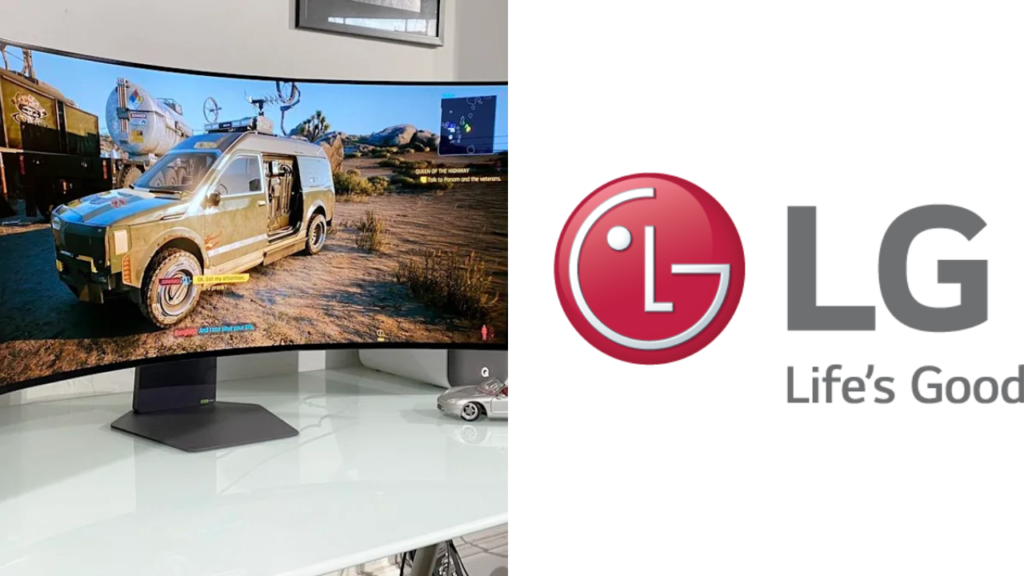
This is good news for LG monitor users, as it makes it easier to install software via Windows Update and not have to hunt around for drivers and support utilities. The change is designed to speed up the process of setting up a monitor, especially for first-time users plugging a new display into a Windows PC.
Windows is likely to automatically recognise the compatible LG monitor software and install the necessary components without requiring a visit to a separate support website and file downloads followed by several installation steps. This helps users get the right display profile, device information and supported features.
 Apple iPhone 18 Pro Release Date Leak Reveals New Details Alongside Latest EU AirPods Rule Changes
Windows Update can handle important monitor drivers
Windows Update already installs many drivers for graphics cards, printers, keyboards and other peripherals. Adding LG monitor software to the same process makes setup more like how many users are already managing their PCs.
 New Smart Ring With Cuffless Blood Pressure Monitoring Could Change Personal Health Tracking
If you have connected a compatible LG monitor windows can recognise the model and search for an approved driver or software package. The system might then download and install it automatically, or it may appear as an optional update. This reduces the chances that users will end up installing the wrong driver for their monitor model.

The monitor driver is often not as sophisticated as the graphics driver, but it can still give Windows useful information. A good driver helps the operating system to recognise the display properly and to set the supported resolution, refresh rate and colour settings.
Manuals could become a thing of the past with downloads
Before, users had to visit LG’s support page, type in their monitor’s model number and select the correct version of Windows, before downloading the software. This might have confused those who were unsure of their model name or operating system type.
Those steps are not required through Windows Update for compatible monitors. This is especially handy for offices, schools and businesses that need to set up multiple LG displays on multiple computers. IT teams could manage updates through their usual Windows tools, rather than having to deal with each monitor on an individual basis.
But some of the more advanced LG apps may still have to be downloaded separately. Some software for screen split, monitor control, gaming settings or firmware updates may not always be delivered via Windows Update.
Could simplify installation, cut down on setup hassles
Automatic driver installation can save you from common setup problems like wrong screen resolution, missing monitor names or unsupported refresh rate options. It can also help with compatibility after a Windows update or when moving the monitor to a different PC.
Even after installation, the display settings are recommended to be checked. Windows may not always select the desired resolution, scale level, or refresh rate automatically. You’ll find these options under Windows Settings > Display.
Make sure to use the right cable and graphics output for those high refresh rate gaming monitors. Just because you install the Monitor driver doesn’t mean you will have access to the highest refresh rate supported.
LG and Microsoft Improve PC Display Experience
The easier install is part of a larger effort to make hardware setup more automatic and user-friendly. By providing compatible monitor software through Windows Update, LG can make installation easier, and Microsoft can provide a more consistent device experience.
Availability depends on monitor model, Windows version and rollout region. Those using LG should check the optional driver section in Windows Update manually if they do not see an automatic update. The best backup option for older models is LG’s official support website, as well as specialised software and firmware tools.
Sources
- Lg Support – LG Support provides official monitor drivers, product manuals, software utilities, firmware updates and troubleshooting information for compatible displays.
- Microsoft Support – Microsoft Support How Windows Update installs hardware drivers, optional updates, and detects connected devices on Windows PCs
- Windows Update – Windows Update is a service that Microsoft installs on Windows computers to provide system updates, security patches and compatible device drivers.
- PCMag – PCMag has system configuration, hardware compatibility with Windows, display software, and practical tips for installing and managing computer peripherals.
- Hardware Tom’s – Tom’s Hardware covers the latest in monitors, PC components, Windows drivers, display performance and hardware setup developments that matter to desktop users.
