
OpenClaw Launches Mobile Apps as Open Source AI Agent Platform Expands to Smartphones

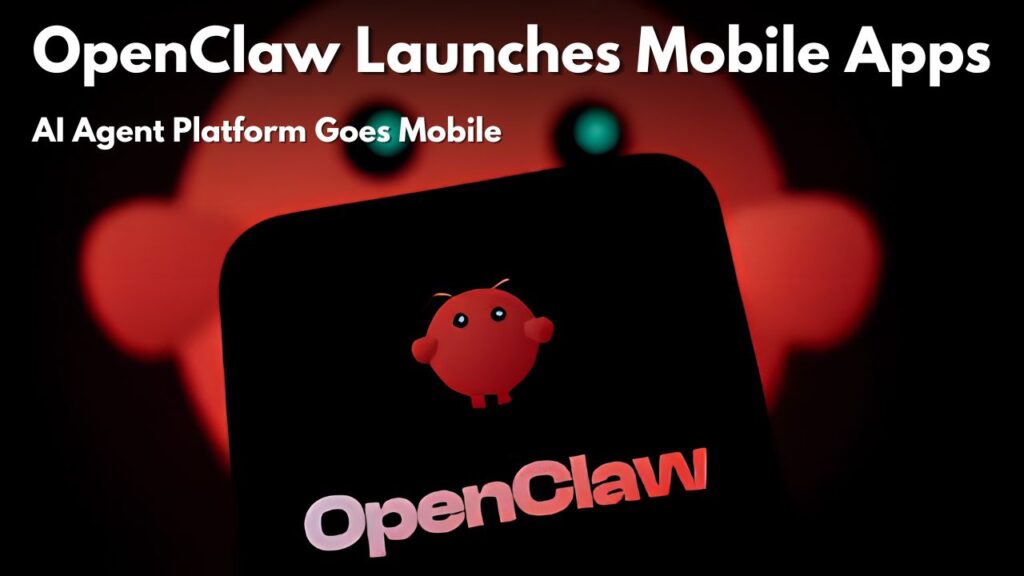
OpenClaw Launches Mobile Apps as Open Source AI Agent OpenClaw Launches Mobile Apps as Open Source AI Agent OpenClaw releases mobile apps as Open Source AI Agent Platform Major milestone for the rapidly growing open source AI ecosystem as it expands to Smartphones. The project has officially launched native mobile apps for both Android and iOS so you can connect with your self hosted AI agents from just about anywhere. The new apps are intended to serve as secure companion clients that connect to an OpenClaw Gateway running on your own computer or server, not as a way to turn your smartphone into the AI itself. This privacy-first approach gives users more control over their data, while also making AI automation more accessible on-the-go.
 Roku Increases Streaming Hardware Prices Again With New Lineup Changes Affecting Millions of Users
The launch has attracted considerable interest from developers, AI enthusiasts, and students interested in autonomous AI agents. OpenClaw is built around a local first philosophy, in contrast to traditional AI chatbot apps that are completely reliant on cloud infrastructure. Securely authenticate your mobile device to your personal gateway to enable chat, voice interaction, notifications, approvals and device aware automation without giving up your personal information to a centralised service.
Latest OpenClaw Mobile Apps Update and Release Date
The official OpenClaw mobile applications were announced on June 29, 2026 for both Android and iOS users. The release includes native apps instead of the browser-based workarounds many members of the community have been using. Both Android and iPhone versions were released simultaneously, with the iOS edition also supporting Apple Watch and additional iOS integrations such as the Share Sheet.
It is one of the biggest updates to the OpenClaw platform since it became popular as an open source AI agent that can automate complex tasks using large language models and user-defined skills.

How the OpenClaw Smartphone Apps Actually Work
One of the most important things to understand is that the OpenClaw mobile apps don’t run the AI agent directly on your phone. The applications instead connect securely to an OpenClaw Gateway running on your Windows, macOS, Linux or cloud server. The AI processing is done on the gateway and the mobile app is a secure remote interface.
Once paired, users can chat with their AI assistant, approve sensitive actions, receive workflow notifications, access voice conversations, share files, and optionally grant permissions such as camera, contacts, calendar, reminders, or location based on personal preferences. This design keeps sensitive information under the user’s control rather than routeing everything through a third party cloud service.
Requirements and Important OpenClaw Instructions
Before installing the mobile application, the user shall prepare the required components for successful operation.
- OpenClaw Gateway on a supported Windows, macOS, Linux or Cloud server
- A stable internet connection
- Official Android or iOS App
- Gateway pairing code/QR code
- AI provider API credentials as needed for your chosen language model
- Only enable the device permissions you really need
Security experts also recommend a thorough review of installed skills, since AI agents with automation capabilities can perform powerful actions. Only download extensions from trusted sources and update the gateway and the mobile application regularly.
Why OpenClaw Mobile Apps Matter for AI Users
The arrival of native mobile apps makes OpenClaw much more practical for daily use. Instead of staying tied to a desktop computer, users can now monitor workflows, receive notifications, approve automated tasks, and communicate with their AI assistant from almost anywhere.
Students can use OpenClaw to organize research tasks, developers can monitor automated workflows while away from their computers, and professionals can receive updates without remaining at their desks. Because the platform remains open source and self hosted, many users also appreciate the increased transparency and privacy compared with traditional cloud only AI assistants.
Final Advice
If you want to try your hand at AI agents, the official OpenClaw mobile apps are a great way to get a taste of modern AI automation while retaining more control over your own data. Always download the apps from official sources, keep your gateway updated, enable only the permissions that you really need and before installing any third party skills, read them very carefully. Knowing how the gateway works will also help you get the best performance out of it and keep your personal AI environment as secure as possible.
